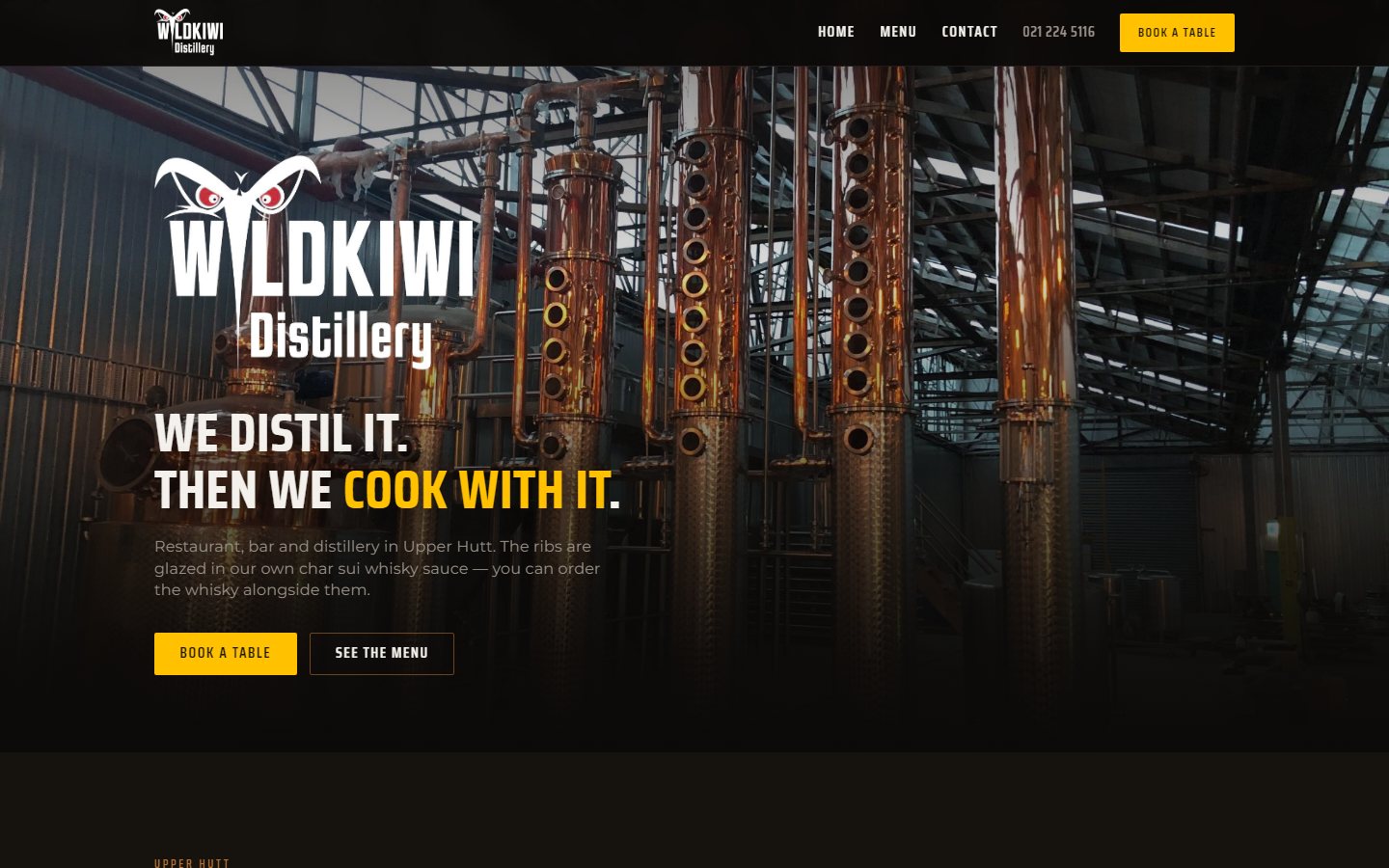
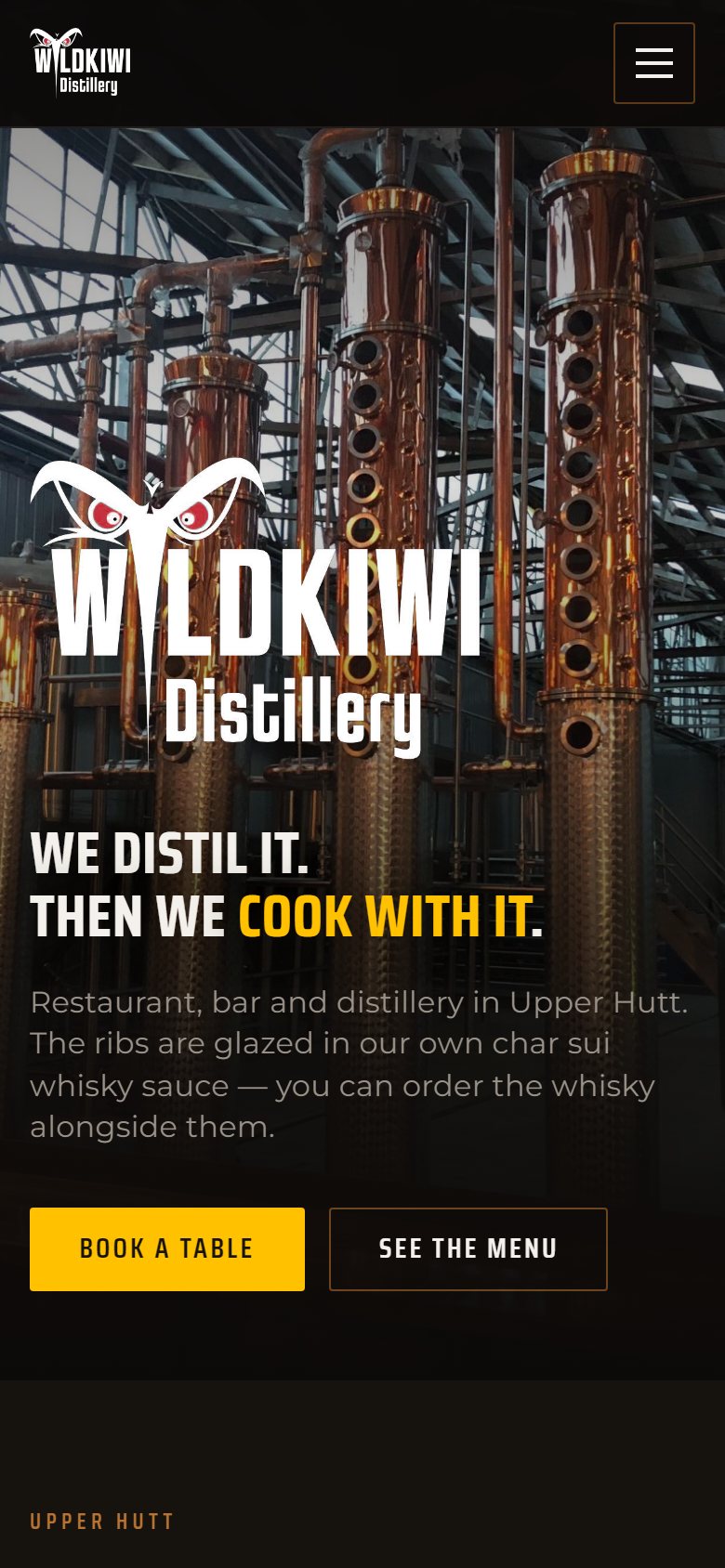
Wild Kiwi is a restaurant, bar and distillery in Upper Hutt. Their site has one main job: show the food, the hours and a way to book, and keep all three current without anyone opening the page builder. We built it in WordPress and Breakdance, with the menu and the opening hours stored as data the team edits in the WordPress admin.
A menu the staff edit themselves
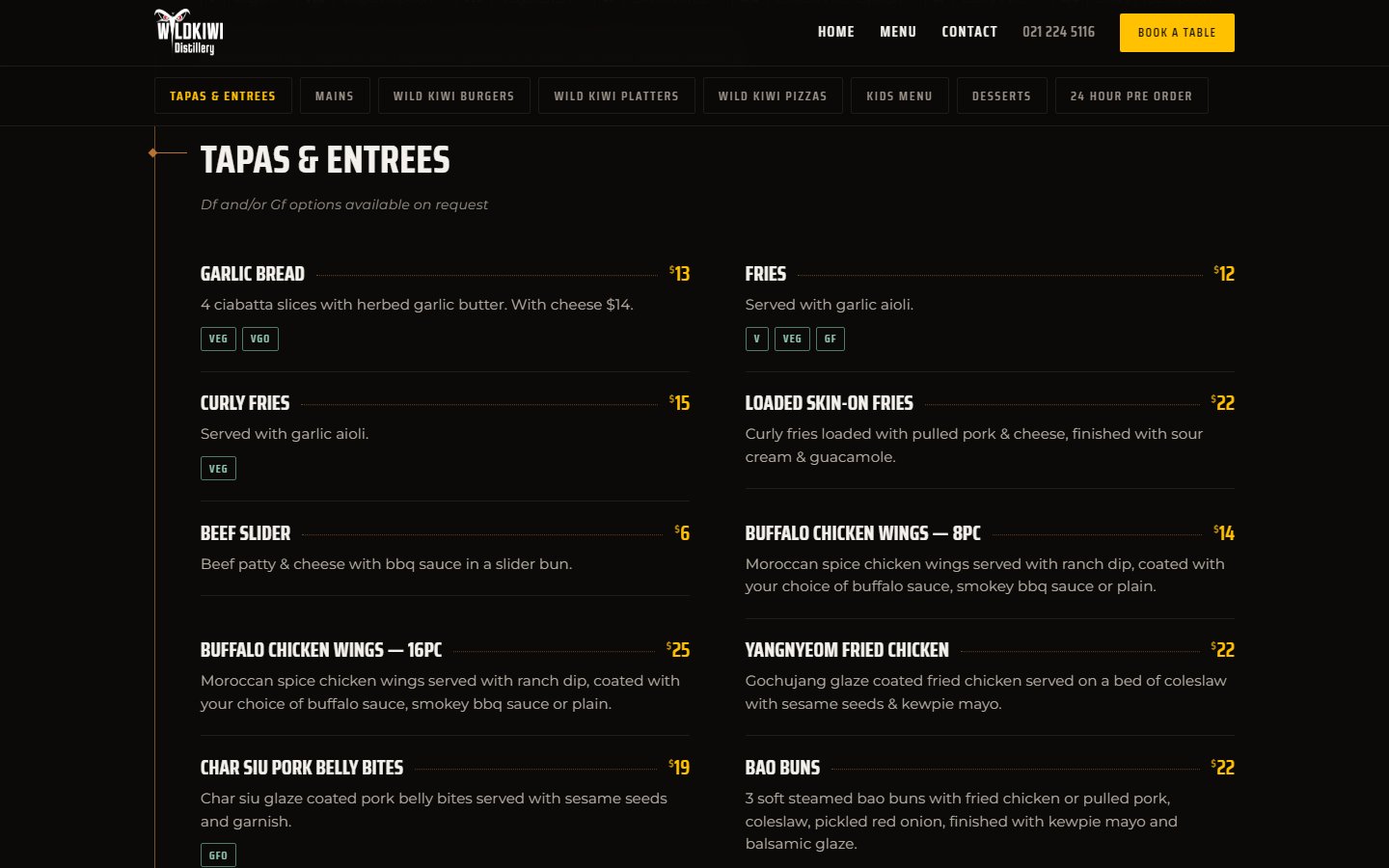
The food menu on the home page isn’t typed into the page. Every dish is its own record, built with ACF, and the page assembles itself from those records.
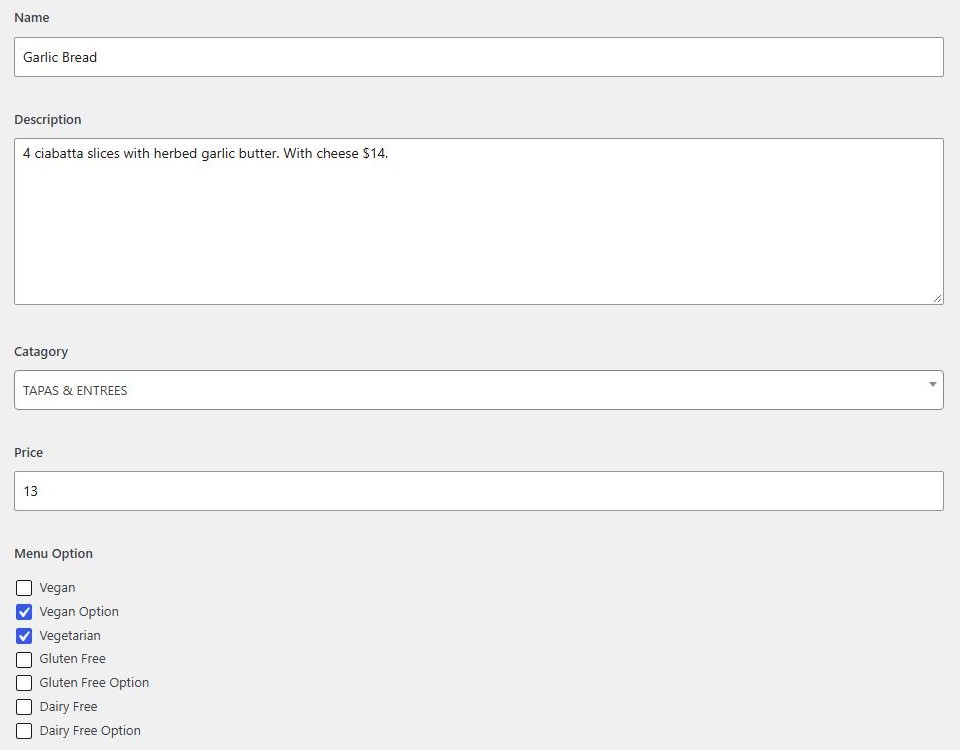
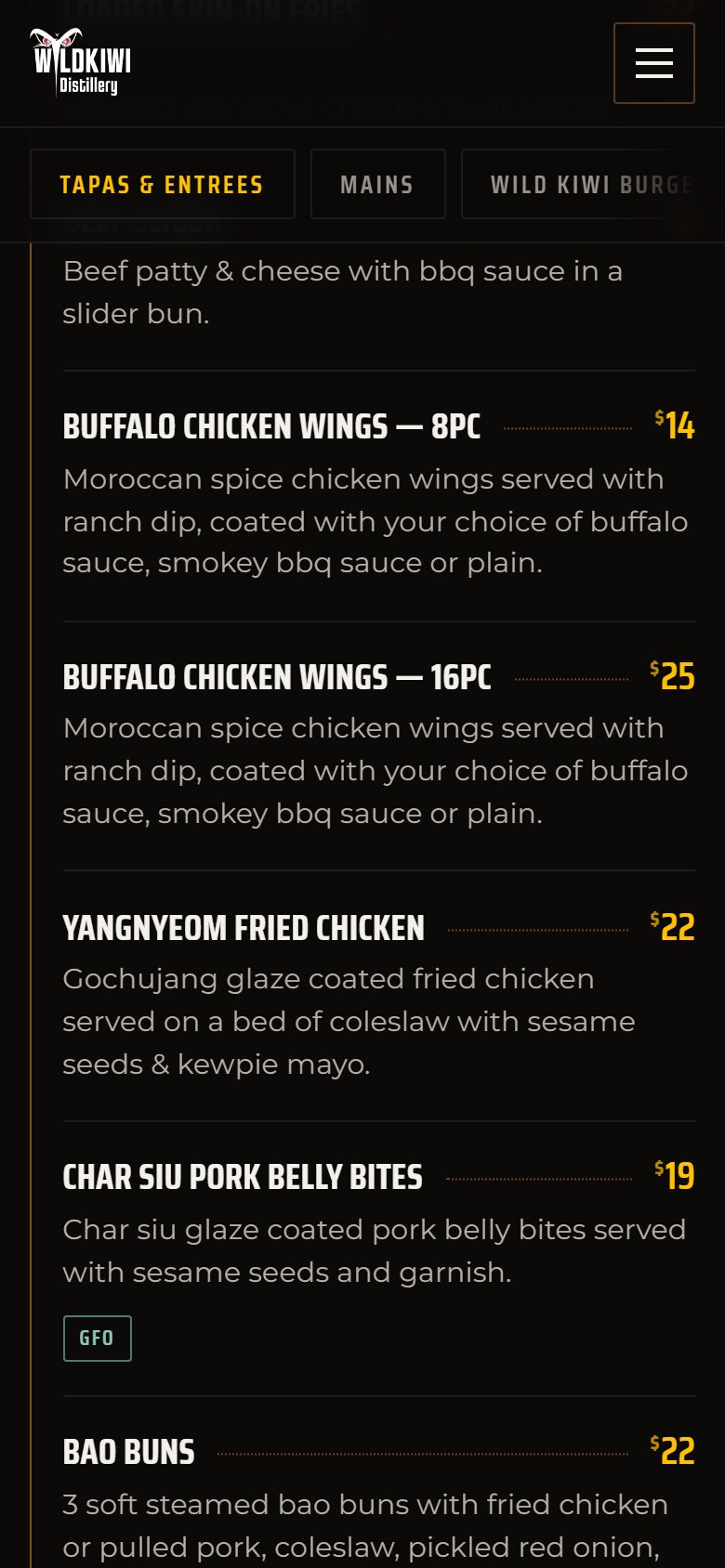
- One record per dish: name, description, section, price and dietary options (vegan, vegetarian, gluten free, dairy free, and the “option available” versions of each). A dish with two sizes, like 8 or 16 wings, is simply two records.
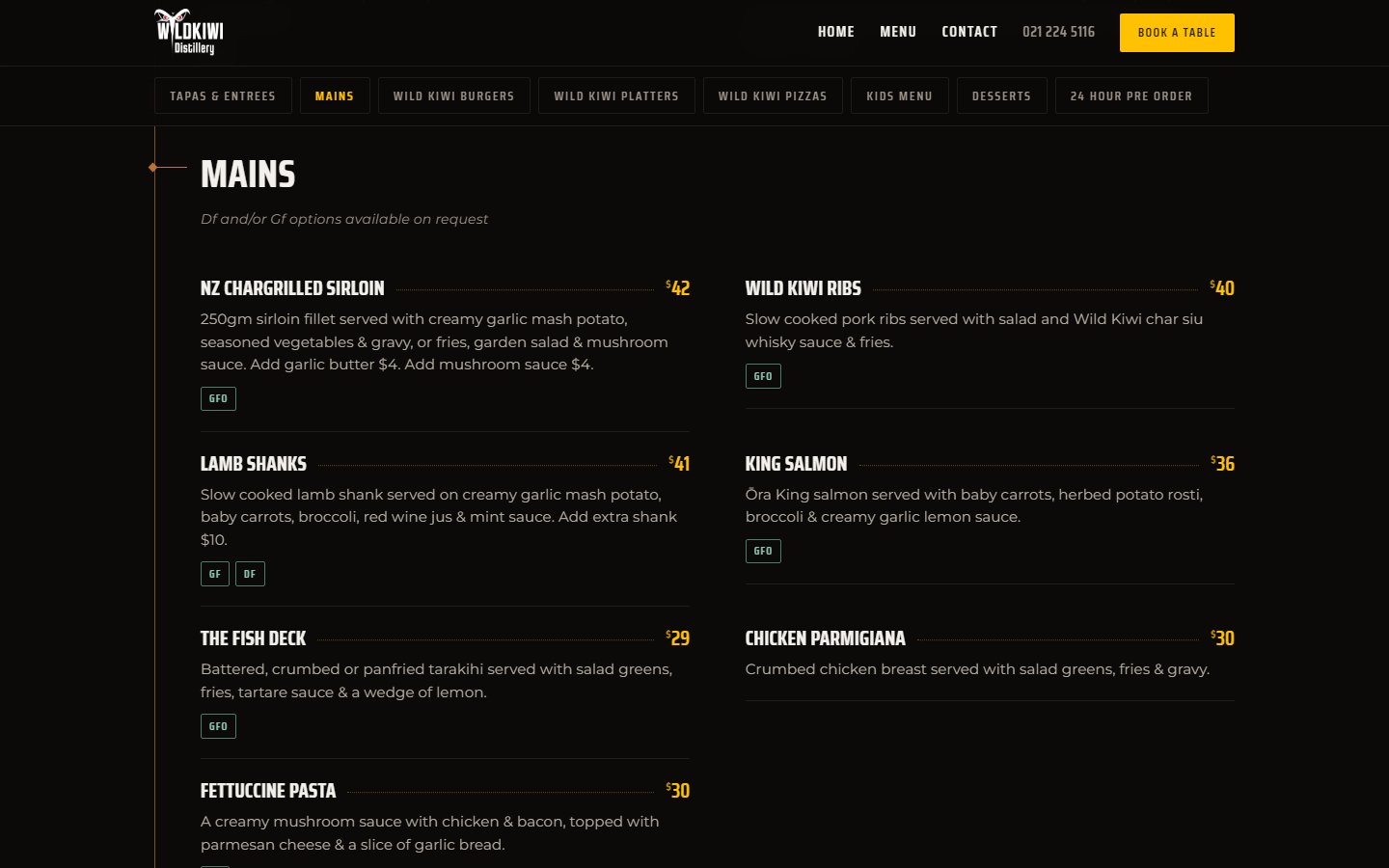
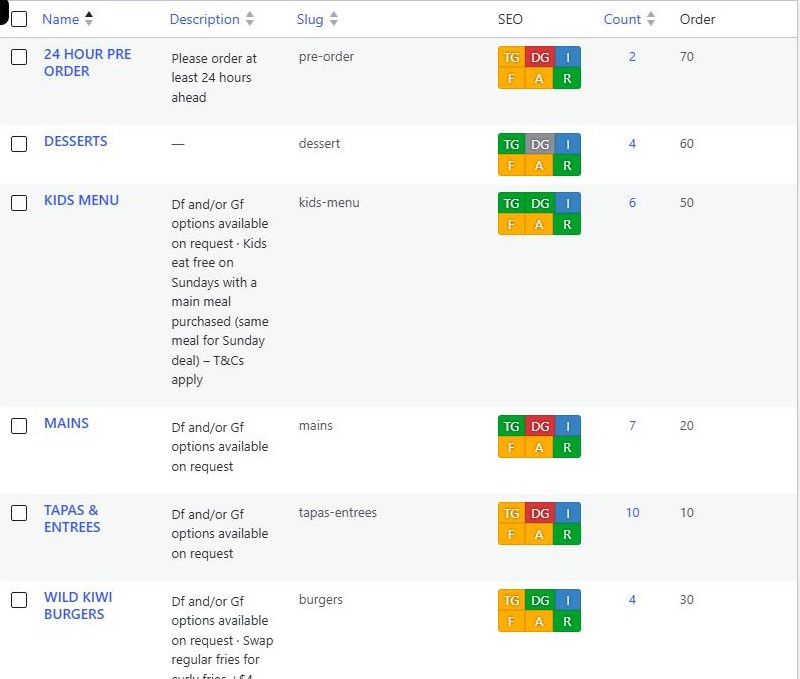
- Sections are a taxonomy: Tapas & Entrees, Mains, Burgers, Platters, Pizzas, Kids, Desserts and Pre-order. Each section has its own order number and a short note, such as “Df and/or Gf options available on request”, that appears in italics under its heading.
- Ordering is the team’s call. Sections follow their order numbers and dishes follow theirs, numbered in tens so a new dish can slot in anywhere.
- Nested loops render it. A loop over the sections repeats a section block. Inside it, a second loop pulls that section’s dishes and repeats a dish card with name, price, description and dietary pills. Only published dishes appear, so a dish can be drafted ahead of a menu change.
Changing a price is a ten-second edit in the admin, and it’s live everywhere the menu appears.
Menu refresh
In September 2026 the online menu was brought in line with the printed one: prices updated across a dozen dishes, a platter moved to the right section, spelling fixed, and dietary tags corrected against the print. The display was reworked at the same time, mostly for phones:
- More room for the food. The builder’s default loop padding was removed, so on a phone each dish card went from 239px to 325px wide, and the dead space between dishes disappeared.
- Bigger, clearer type for dish names, descriptions, dietary pills and section titles.
- One column below 768px. The builder only switched to one column at phone-portrait width, which left small tablets with two cramped 200px columns.
- A sticky section bar. A horizontally scrolling row of section links docks under the header and highlights whichever section you’re reading. It measures the real header height, so it always sits just below it.
- A dietary key, top and bottom. It’s built from the menu as rendered and only explains labels that actually appear, so it can’t drift out of date.
- Clean-up. 18 old draft dishes were deleted after their details were archived, in case any come back.
Opening hours, set once
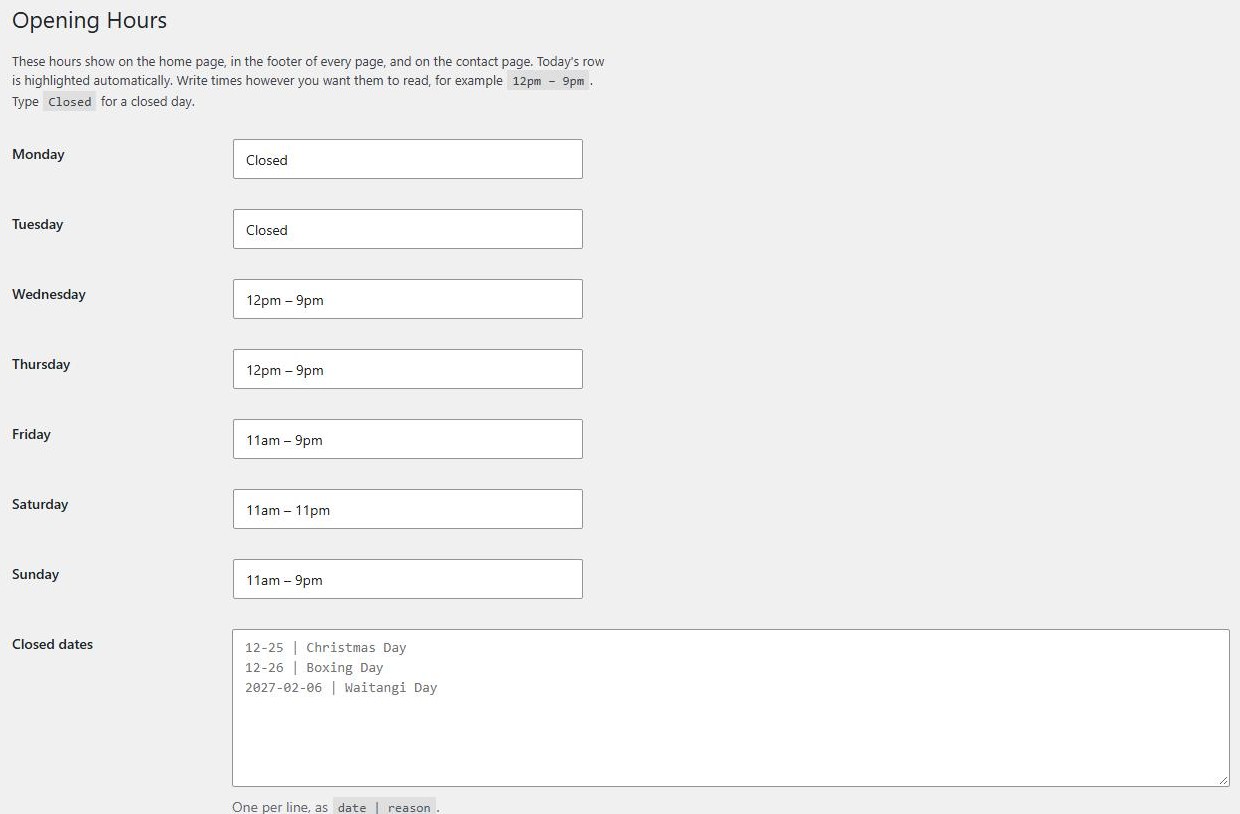
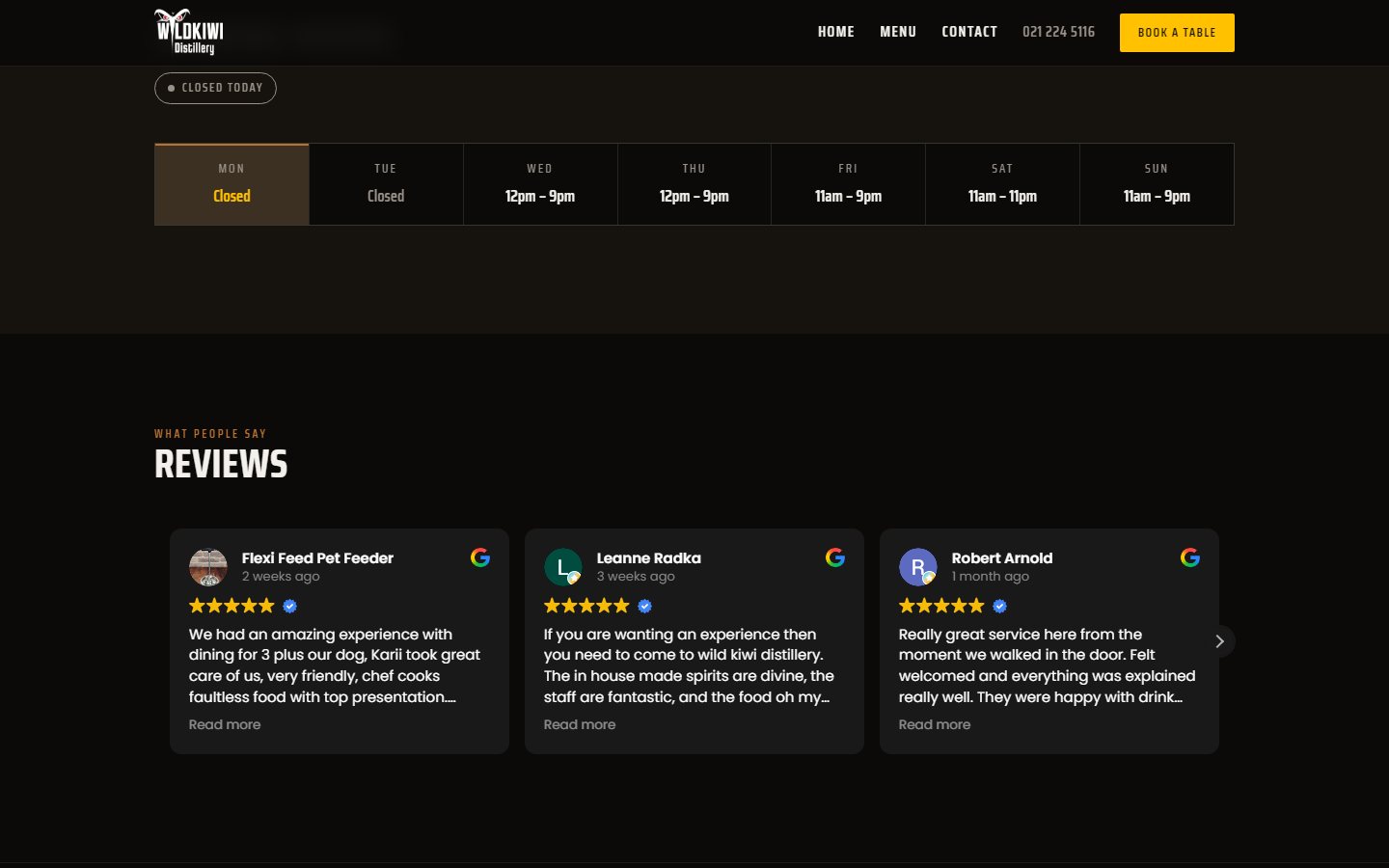
A small custom plugin gives the team one screen for opening hours. Each day takes free text (“12pm – 9pm”, or “Closed”), and a separate list holds dated closures with a reason, such as Christmas Day or Waitangi Day. Those hours appear on the home page, in the footer of every page and on the contact page, with today’s row highlighted automatically.
Reviews and bookings
- Google reviews are shown with a reviews widget whose script only loads when the section scrolls into view, so it doesn’t slow the first screen.
- Bookings go through an embedded online booking system on its own page, with “Book a table” in the header on every page.